
Container Commander – správa Dockeru přehledně na jednom místě
A native desktop app for managing Docker containers, Compose stacks, images, volumes and networks – with monitoring, database backups and a setup wizard that installs Docker for you.
Version 1.0.10 · Released October 29, 2026
Container Commander is a fast, lightweight app for everyday Docker work. Instead of the command line, you get a clear interface to manage containers, images, volumes, networks and entire Compose projects. It is built on Tauri (not Electron), so the installer is only a few MB and memory usage stays low.
What it does
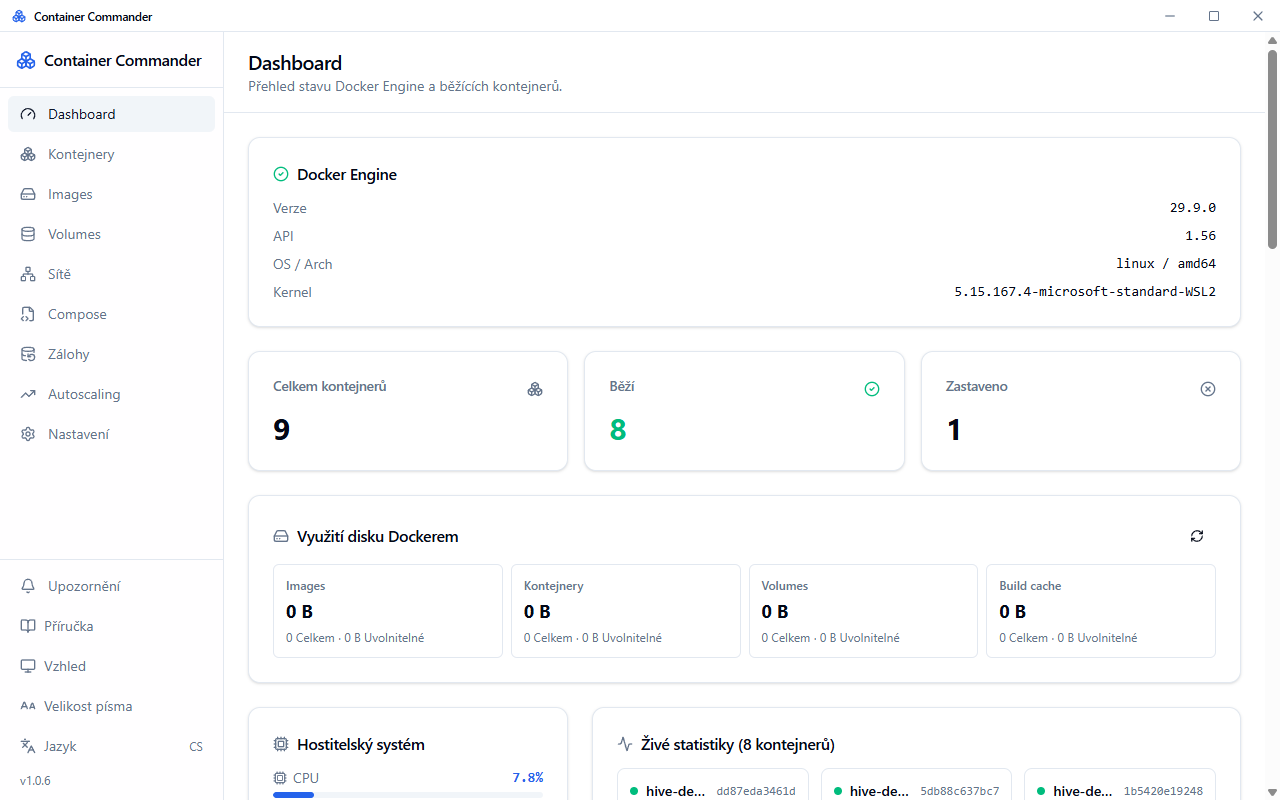
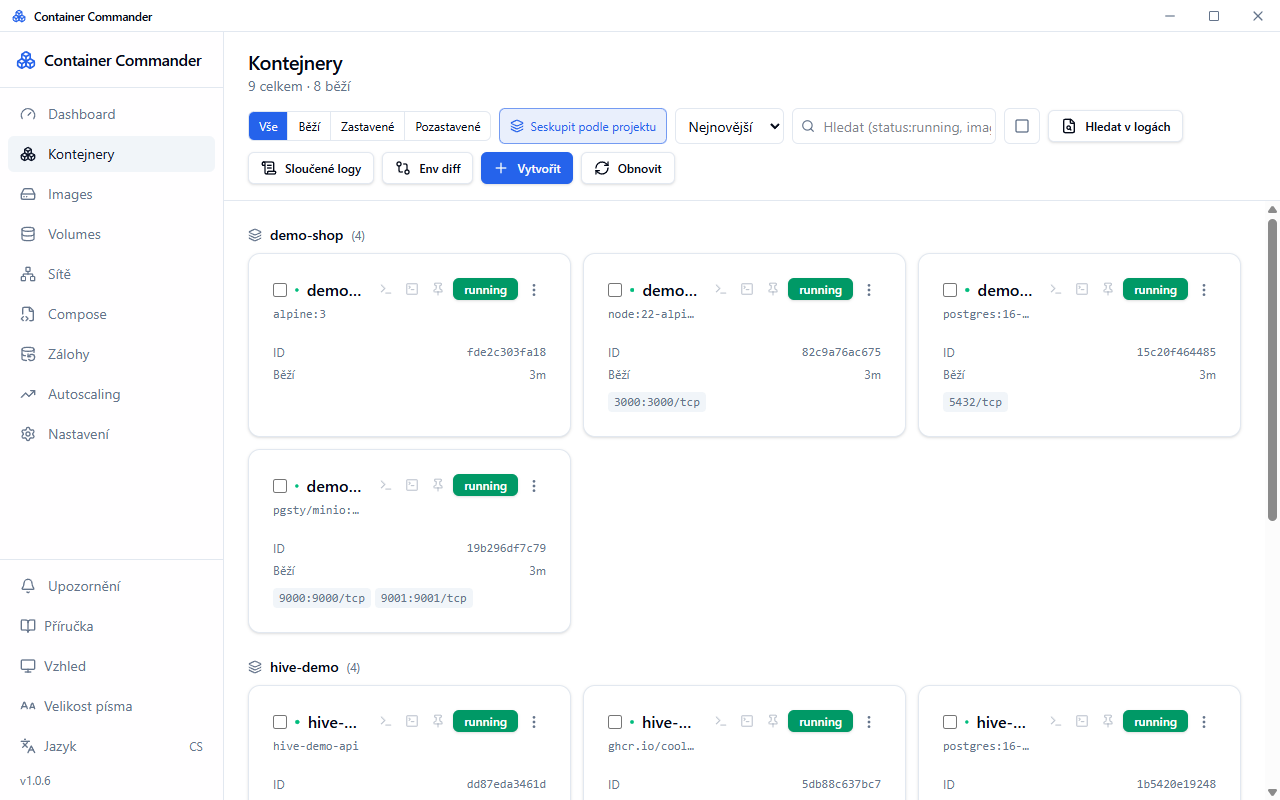
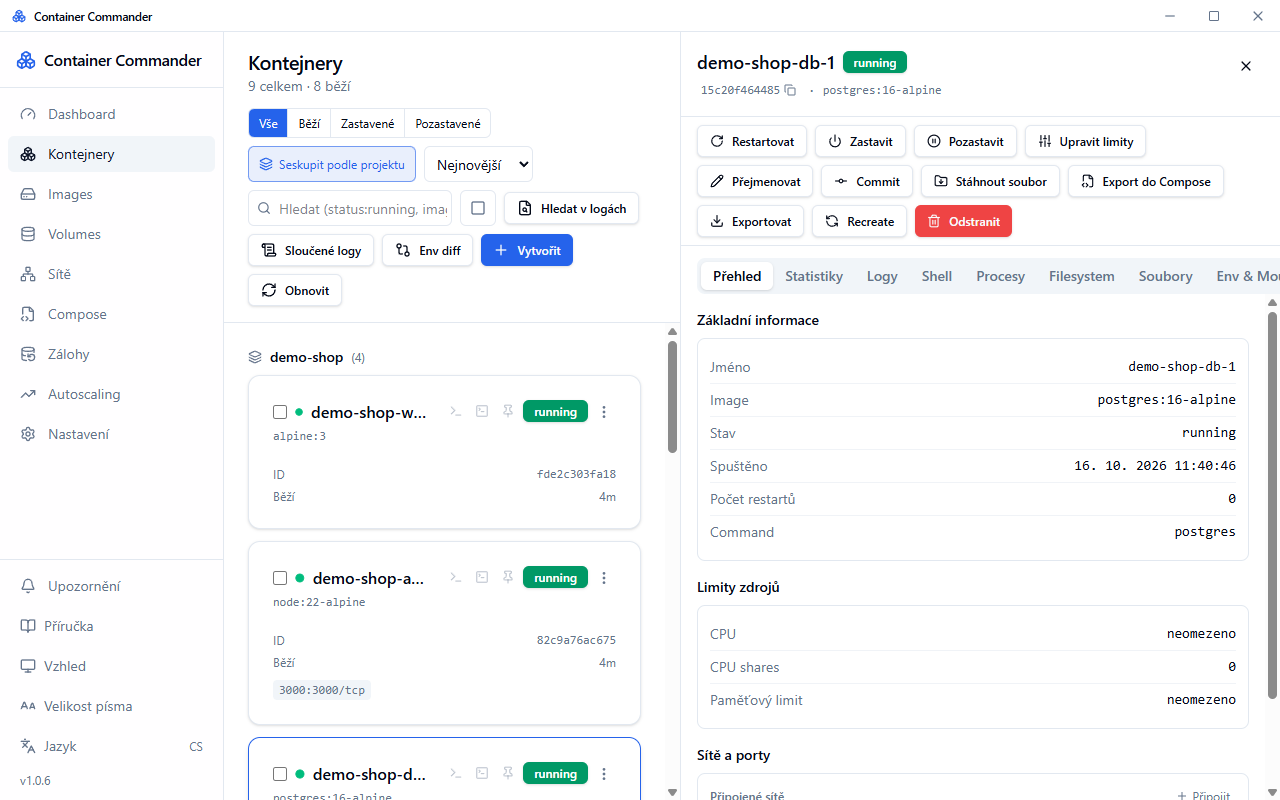
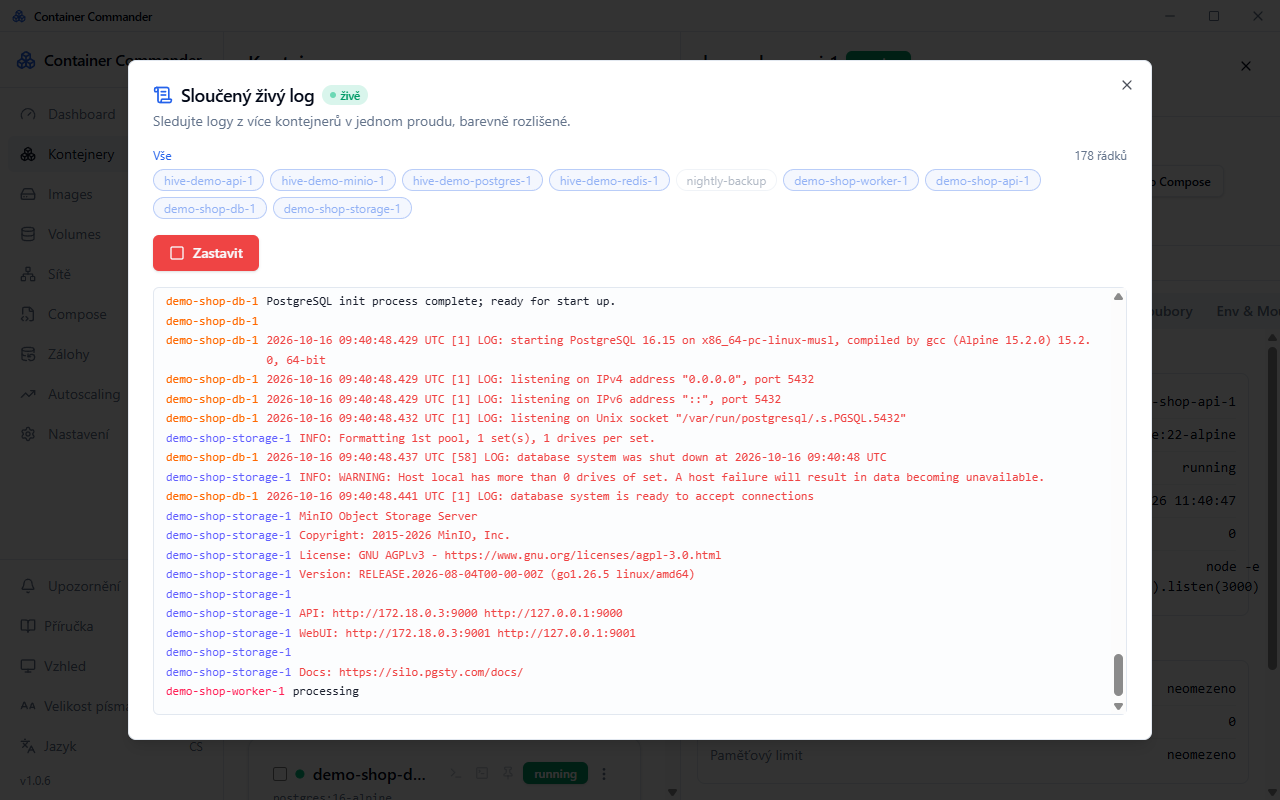
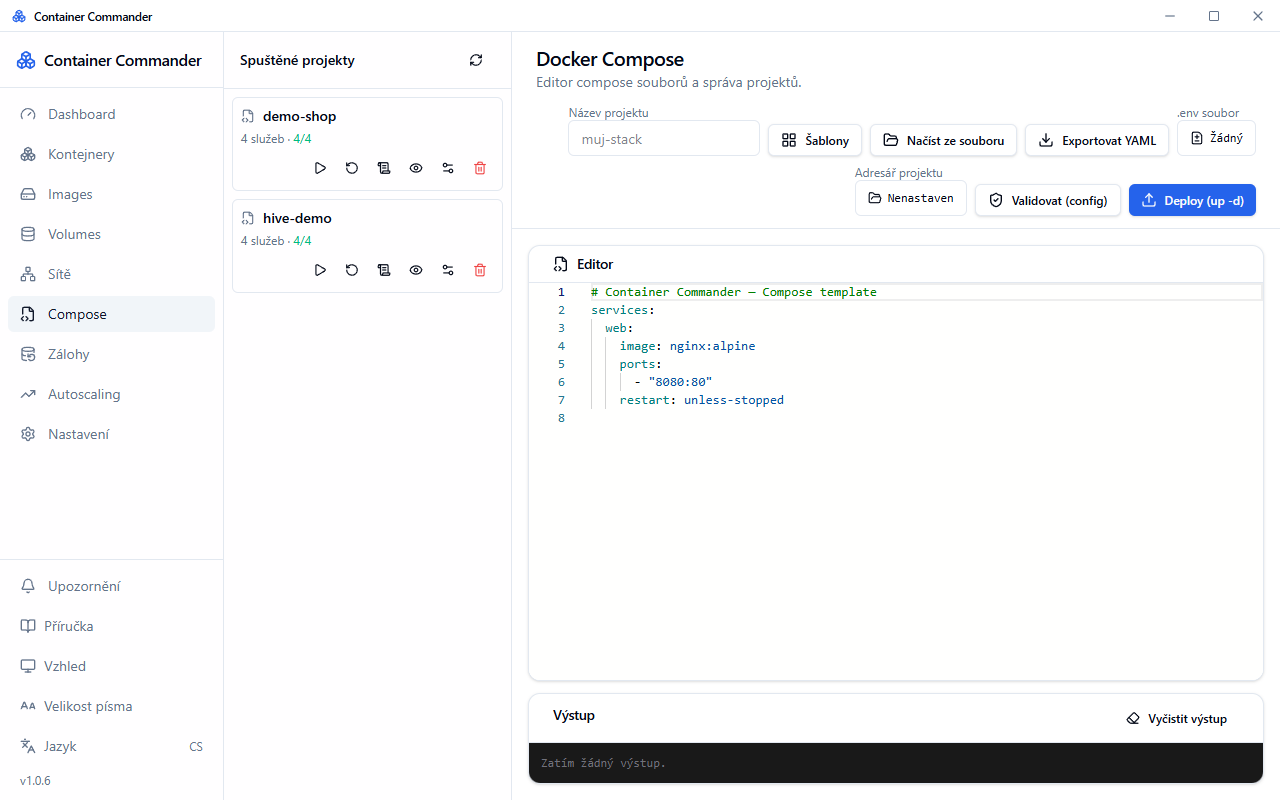
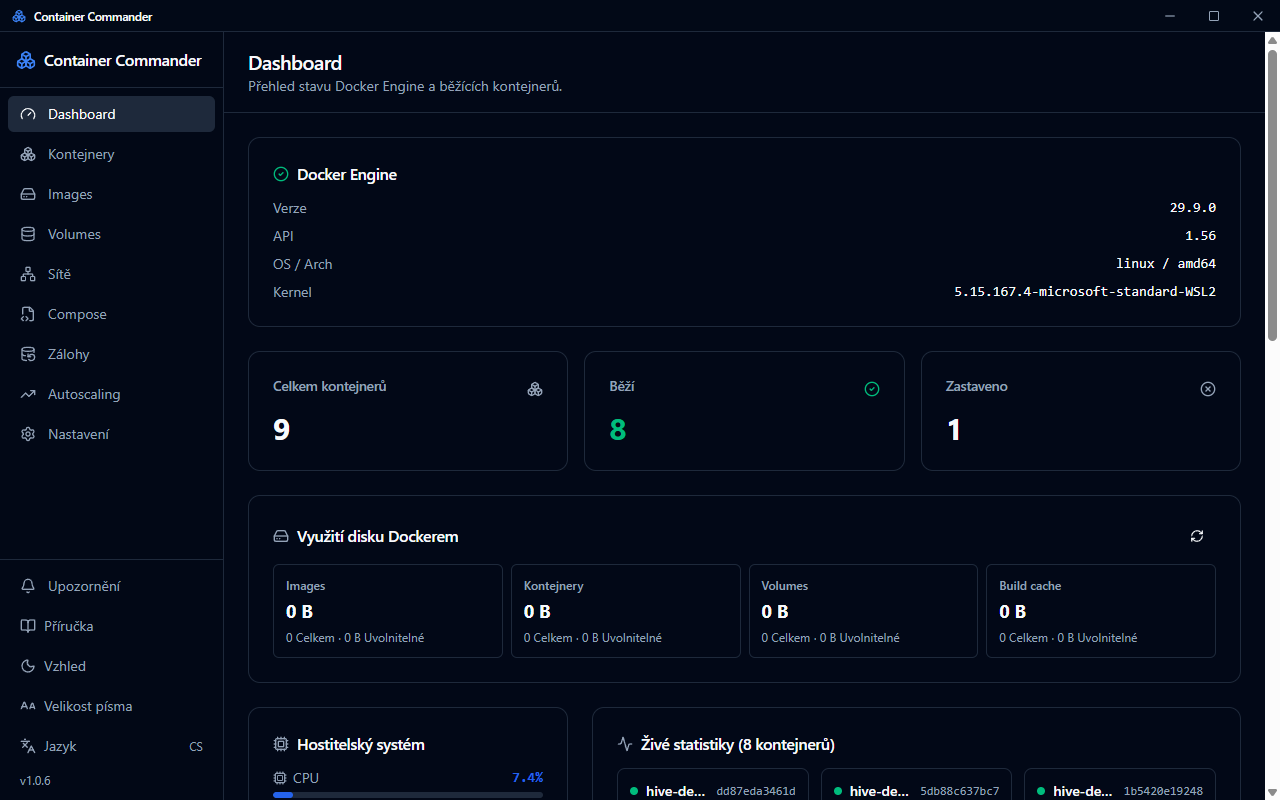
Containers – start, stop, restart, logs, live statistics, cross-container log search and a terminal straight into the container (cmd or PowerShell). Compose – a docker-compose editor with validation, deployment and management of running projects. Images, volumes and networks – browse, remove, prune, build and pull; file browser for volumes and containers. Database backups – PostgreSQL, MySQL, MariaDB, MongoDB and Redis; manual and scheduled backups with automatic retention of old copies. Monitoring – CPU, memory, disks and GPU utilization (including VRAM), handy when running AI containers. Autoscaling – resources adjusted automatically based on load. Security – image vulnerability scanning (Trivy) and support for a corporate root CA behind proxies such as Zscaler.
Hassle-free setup On first launch a wizard guides you through setup. On Windows it can install WSL2 and Docker CE by itself (no Docker Desktop, no licensing restrictions for businesses); on macOS it installs Docker via Colima. The app also makes sure the Docker engine is running when it starts.
Comfort Czech, English and German · light/dark theme · adjustable text size · automatic updates · works with Docker Desktop, Podman, Rancher and remote Docker over TLS.
Screenshots
What's new
Added
- (nic zatim)
Changed
- (nic zatim)
Fixed
- (nic zatim)